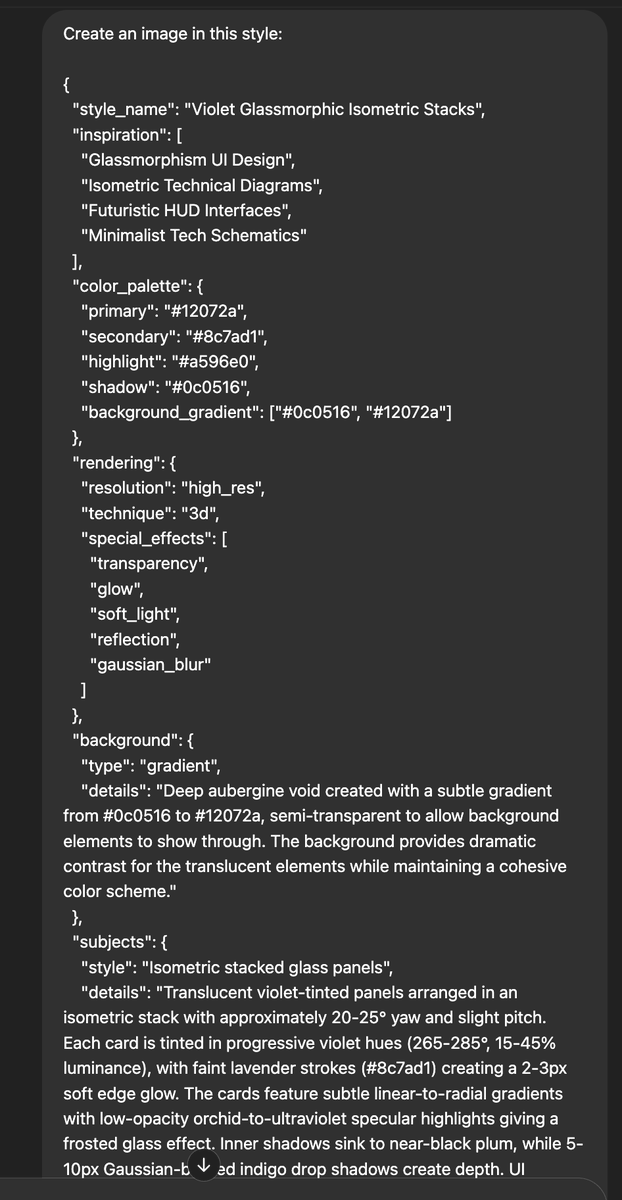
Create an image of a modern icon
The subject of the icon is: A research and planning phase
The image features a sleek, monochromatic 3D aesthetic with a dark purple palette and high contrast highlights. It uses layered, semi-transparent elements arranged in an isometric perspective to create depth, resembling frosted glass.
You are tasked with generating a JSON object containing properties for image generation based on a simple design prompt. The JSON object should have the following top-level keys: style_name, inspiration, color_palette, rendering, background, subjects, themes, and usage_notes. Each of these keys should have properties that reflect the input design prompt.
Here is the design prompt:
<design_prompt>
{{DESIGN_PROMPT_FROM_ABOVE}}
</design_prompt>
Follow these steps to generate the JSON object:
1. Analyze the design prompt and extract key elements such as style, colors, and themes.
2. Generate a "style_name" that encapsulates the essence of the design prompt in a catchy, descriptive phrase.
3. Create an "inspiration" list with 2-4 artistic styles or concepts that align with the design prompt.
4. Develop a "color_palette" object with the following properties:
- primary: The main color (in hex code) derived from the design prompt
- secondary: A complementary color (in hex code)
- highlight: An accent color (in hex code)
- shadow: A darker shade (in hex code) for depth
- background_gradient: An array of two colors (in hex codes) for the background
5. Define a "rendering" object with properties that describe the technical aspects of the image:
- resolution: Specify the image quality (e.g., "high_res", "low_res")
- technique: Describe the main rendering technique (e.g., "vector", "pixel_art", "3D")
- special_effects: List any special rendering effects (e.g., "glow", "shadow", "texture")
6. Create a "background" object with properties that describe the image background:
- type: Specify the background style (e.g., "solid", "gradient", "pattern")
- details: Provide additional information about the background
7. Define a "subjects" object with properties that describe the main elements of the image:
- style: Describe the overall style of the subjects
- details: Provide specific details about how the subjects should be rendered
8. Generate a "themes" array with 3-5 thematic elements or concepts related to the design prompt.
9. Create a "usage_notes" string with brief guidelines on how to use the style effectively.
Ensure that all properties in the JSON object reflect the input design prompt. Be creative and consistent in your interpretations.
Output your final JSON object within <json_output> tags. Format the JSON with proper indentation for readability.
Create an <image | icon | logo | graphic | etc> in this style:
{{JSON_OUTPUT_FROM_2️⃣}}
🖼️ 参考图(最多 3 张,选填):