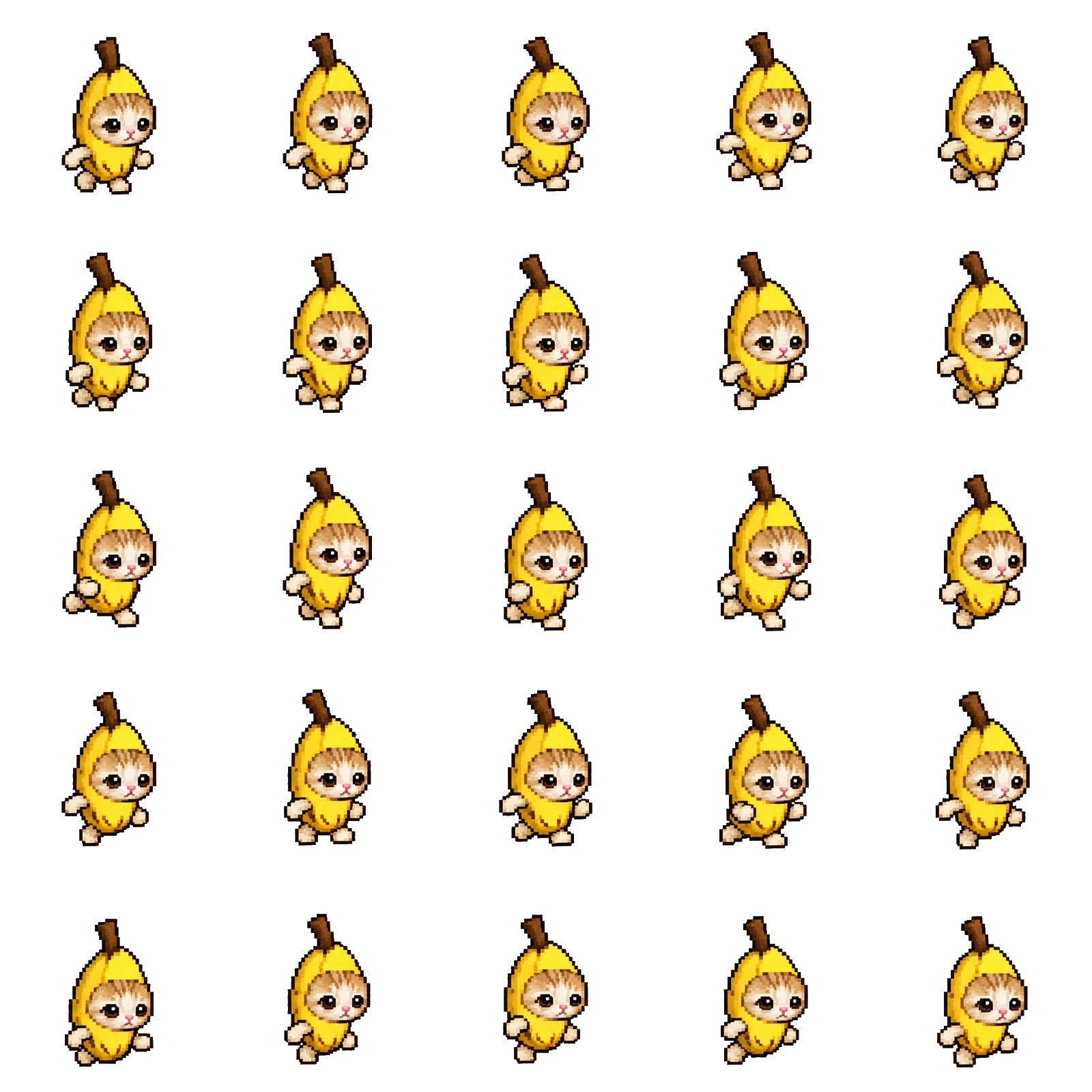
Create a personalized pixel-art meme animation from the uploaded image. Deliver a 5x5 sprite sheet containing 25 frames and a transparent, seamlessly looping GIF.
1. IDENTIFY THE INPUT
If the uploaded image is a single meme or character reference:
Use it to design and animate a recognizable pixel-art version of that character.
If the uploaded image is already a 5x5 sprite sheet:
Use its existing 25 frames, read left to right and top to bottom. Preserve the artwork rather than redrawing it unnecessarily. Assess whether the poses form a coherent animation before assembling the GIF.
2. PRESERVE THE CHARACTER
Preserve the character's recognizable silhouette, colors, costume, proportions, and distinctive facial features.
Keep the original expression throughout the animation. Do not add crying, tears, smiling, anger, exaggerated eyebrows, or other emotional changes unless requested or already present in the reference.
Use crisp pixel art, a consistent pixel size, clean outlines, and a limited color palette. Avoid blur, inconsistent detail, and unwanted changes between frames.
3. PERSONALIZE THE HUMOR
Identify the traits that make this particular meme recognizable and funny. Build the motion around its anatomy, costume, expression, and personality.
For example:
- Short legs can take quick, energetic steps.
- A bulky body can bounce gently with each stride.
- Long ears, a tail, or a loose accessory can follow the main movement with a slight delay.
🖼️ 参考图(最多 3 张,选填):